
Your sales team updates opportunities in Salesforce. Engineering moves tickets in Jira. Somewhere in between, information gets lost. Someone manually copies a customer request from one system to the other. Maybe they export a list and email it. It takes time, it duplicates work, and honestly, it’s a waste of everyone’s energy.
Not everyone needs complex, script-based integrations. Many teams just want the systems talking to each other quickly without writing code. This list focuses on tools you can deploy fast, we’re talking hours or days, not weeks. We evaluated them on setup speed, how much coding they actually require, and whether a business person can configure them without developer help. Here are five that fit the bill.
1. Peeklogic Connector
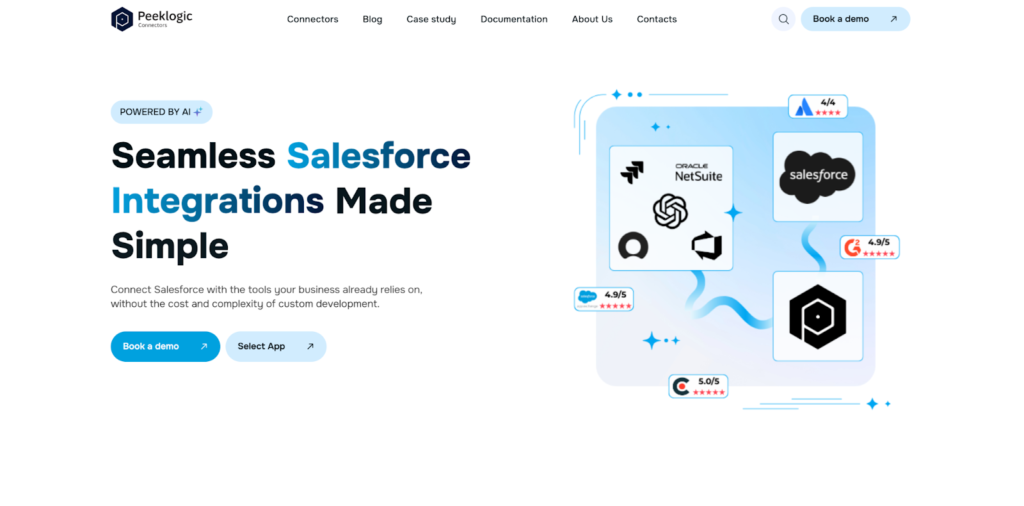
Peeklogic comes from a Salesforce consulting background, which shows in how they approach integration. Their connector acts as a bridge between the two platforms without requiring custom middleware or API scripts. The whole thing configures through a UI, you map fields, set sync rules, and test the connection. According to their documentation, most teams complete setup in under thirty minutes. This matters when you’re trying to solve a problem now, not next quarter. The tool works well for companies that want a straightforward Salesforce Jira integration tool without hiring developers to maintain it. Small to mid-sized teams seem to adopt it fastest, though larger organizations use it for specific departments that need quick deployment.
In practice, the synchronization runs in real time. When someone in sales adds a comment to an opportunity, it appears in the linked Jira ticket automatically. Status changes flow both directions. You don’t write Apex or Groovy scripts. You don’t maintain custom code when APIs change. The platform handles that behind the scenes. For teams with limited technical resources, this removes a significant burden.
Capabilities and Core Features
The product team built this for speed of implementation rather than maximum configurability. You get enough flexibility to handle most standard use cases without overwhelming business users. The platform includes several features designed for fast deployment and minimal setup:
- Real-time synchronization between Salesforce and Jira;
- No code configuration with UI based setup;
- Bi-directional data flow across objects and issues;
- AI-assisted mapping and automation features;
- Flexible customization of sync rules and interface;
- Compliance with GDPR, ISO, and HIPAA standards.
These capabilities cover the basics well. The AI assistance helps during initial mapping, which speeds things up further. According to our analysts, this tool hits the sweet spot between functionality and simplicity for most teams.
Best Use Cases
Peeklogic fits organizations that need integration working this week. Small teams without dedicated developers deploy it themselves. Companies running standard Salesforce and Jira instances get the most value; heavy customizations might require more configuration, but it’s still possible. If your priority is connecting the systems fast with minimal ongoing maintenance, this is worth a look.
2. Sinergify
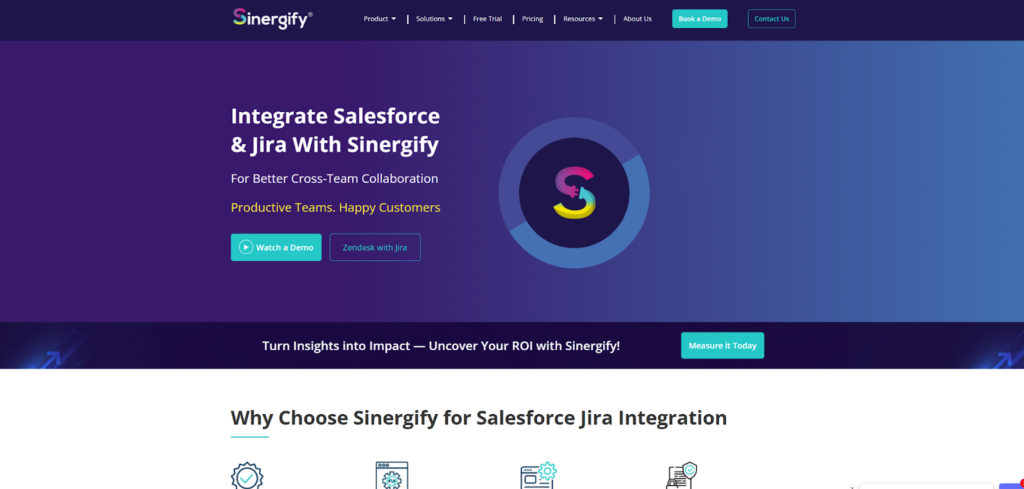
Sinergify built their solution natively on Salesforce. The architecture assumes Salesforce is your primary system and Jira feeds into it. This orientation matters for companies that think of customer data living in Salesforce and development work as something that supports it. The connector supports both cloud-hosted Jira and on-premises instances, which is less common among no-code tools. Many organizations with on-prem Jira assume they need custom development, but Sinergify handles that out of the box.
You can synchronize any Salesforce object with Jira issues, not just the standard ones. Custom objects, custom fields, relationship mappings, they all work. The configuration happens within Salesforce, so administrators don’t need to learn a separate interface. Some teams find this more intuitive because they’re already comfortable with Salesforce setup menus.
Capabilities
The native approach reduces dependency on middleware. You’re not adding another system to manage. According to their documentation, the platform offers:
- Native Salesforce integration architecture;
- Support for cloud and on-prem Jira;
- Synchronization of custom and standard objects;
- Reduced dependency on middleware tools;
- Configurable workflows within Salesforce.
This combination makes Sinergify a solid choice for Salesforce-centric organizations. It’s more flexible than basic no-code tools but still doesn’t require programming. The trade-off is that it’s not the absolute fastest to deploy; configuration takes some time if you have many custom objects.
3. Workato
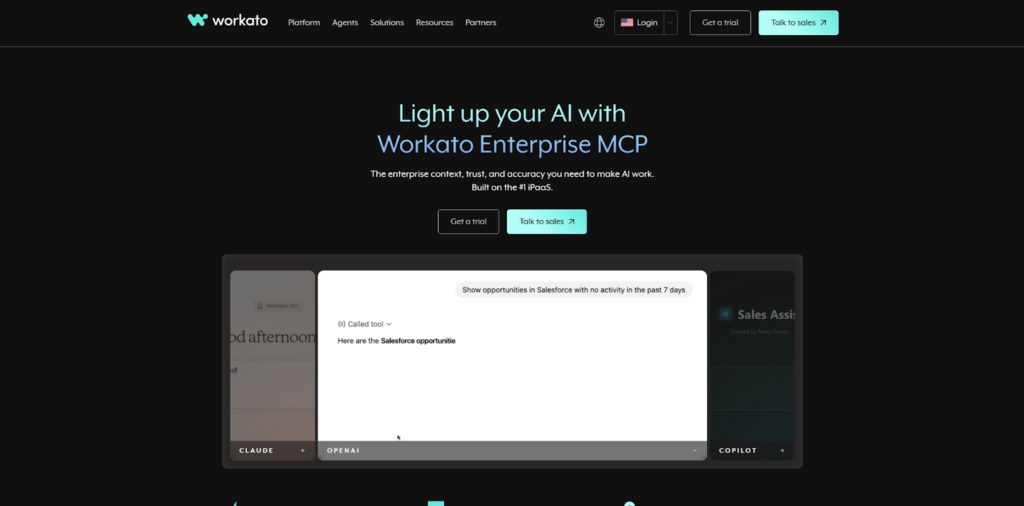
Workato positions itself as an automation platform, not just an integration tool. This means you can connect Salesforce and Jira, but you can also connect them to your other systems, Slack, NetSuite, Marketo, whatever you use. The platform runs on a low-code model. You build recipes that trigger actions based on events. When a deal closes in Salesforce, create a development ticket in Jira and post a message in Slack. That kind of workflow.
The learning curve is gentle. Workato provides pre-built connectors and templates for common use cases. You select the trigger, choose the action, and test the flow. If you need something more complex, you can add formulas and conditions without writing full code. The platform scales with you as integration needs grow beyond simple sync.
Automation Capabilities
Workato handles more than just data replication. You can build multi-step processes that involve several systems. Key features include:
- Workflow automation across multiple systems;
- Pre-built connectors and recipes;
- Event-based triggers and actions;
- Scalable integrations beyond Salesforce and Jira;
- Low-code customization options.
The platform costs more than simpler tools, and you pay for the broader capability set. If you only need Salesforce Jira sync, Workato might be overkill. But if you have wider automation plans, it’s worth considering.
4. Exalate

Exalate sits at the complex end of no-code tools. Actually, it’s not truly no code; configuration happens through Groovy scripts. But they’ve added AI assistance recently that generates these scripts based on natural language descriptions. This moves it closer to the no-code category for basic use cases, though complex scenarios still need technical help.
The decentralized model sets Exalate apart. Each side maintains its own instance and controls what data to share. This matters for security-conscious organizations or those working across company boundaries. A vendor using Jira can sync with a client using Salesforce without exposing everything. Both sides retain control.
Customization Features
The flexibility here exceeds other tools in this list. You can define exactly what fields sync, under what conditions, with what transformations. Features include:
- Script-based configuration using Groovy;
- Advanced data mapping and transformation;
- Cross-instance synchronization capabilities;
- AI-assisted configuration support;
- High flexibility for complex workflows.
Exalate isn’t for fast deployment. Setup takes time, and you’ll need someone who understands the platforms. But for complex requirements, it’s the most powerful option.
5. Zapier

Zapier is the simplest tool here. You build Zaps, trigger and action pairs, through a web interface. When something happens in Salesforce, do something in Jira. The platform supports thousands of applications, so you’re not limited to just these two. Setup takes minutes for basic use cases.
The limitations become apparent quickly. Zapier handles simple field mappings well but struggles with complex data structures. You can’t easily sync custom objects with multiple relationship levels. Sync isn’t truly real-time; it runs on intervals unless you pay for premium plans. For straightforward needs, it works fine. For anything complex, you’ll hit walls.
Key Features
Zapier targets users who need basic connectivity without any technical involvement. The platform provides:
- No code automation workflows;
- Wide range of supported applications;
- Simple trigger-based integrations;
- Fast setup without technical skills;
- Basic data synchronization capabilities.
Zapier works for simple notification scenarios. Create a Jira ticket when a Salesforce opportunity reaches a certain stage. That kind of thing. It’s not built for bidirectional synchronization of complex data.
How to Choose the Right Tool
Every organization has different constraints. Maybe you need something running this week. Perhaps you have complex data structures that require careful mapping. Maybe security requirements limit what you can share. The right tool depends on your specific situation. We think these factors matter most:
- Required level of customization;
- Technical resources available;
- Integration complexity;
- Need for real-time synchronization;
- Budget and scalability considerations.
Start with what you actually need. If simple notifications suffice, Zapier works. For bidirectional sync with some flexibility, Peeklogic or Sinergify fit. If you’re building complex cross-company workflows, Exalate handles that. Workato makes sense when you’re automating across many systems.
Final Thoughts
No code doesn’t always mean best. It means fastest to deploy and easiest to maintain. For most organizations, that trade-off makes sense. Peeklogic hits a balanced spot, fast deployment with enough flexibility for real-world use. Sinergify works for Salesforce first shops. Workato covers broader automation. Exalate offers power at the cost of simplicity. Zapier handles basic needs. Choose based on what your teams actually require, not what looks impressive on a feature list. According to our analysts, the best integration is the one you can actually get done.